1
Explore the globe
Spin the 3D map to anywhere – a beach, a trail, a mountain hut. Optionally center it on your location.
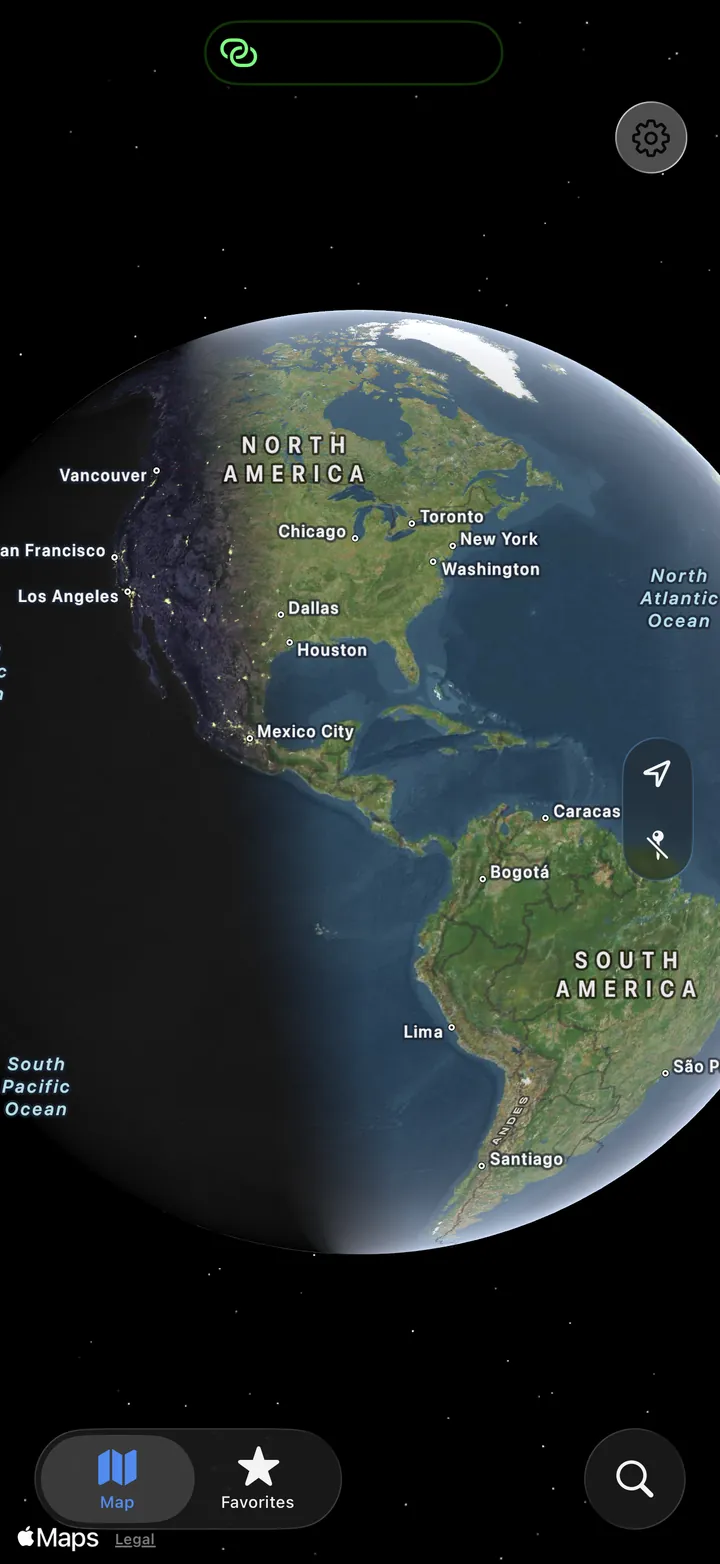
Press and hold on the map and get a precise forecast for that exact spot on Earth – plus live tides, surf conditions and tonight's moon. No city search, no account.
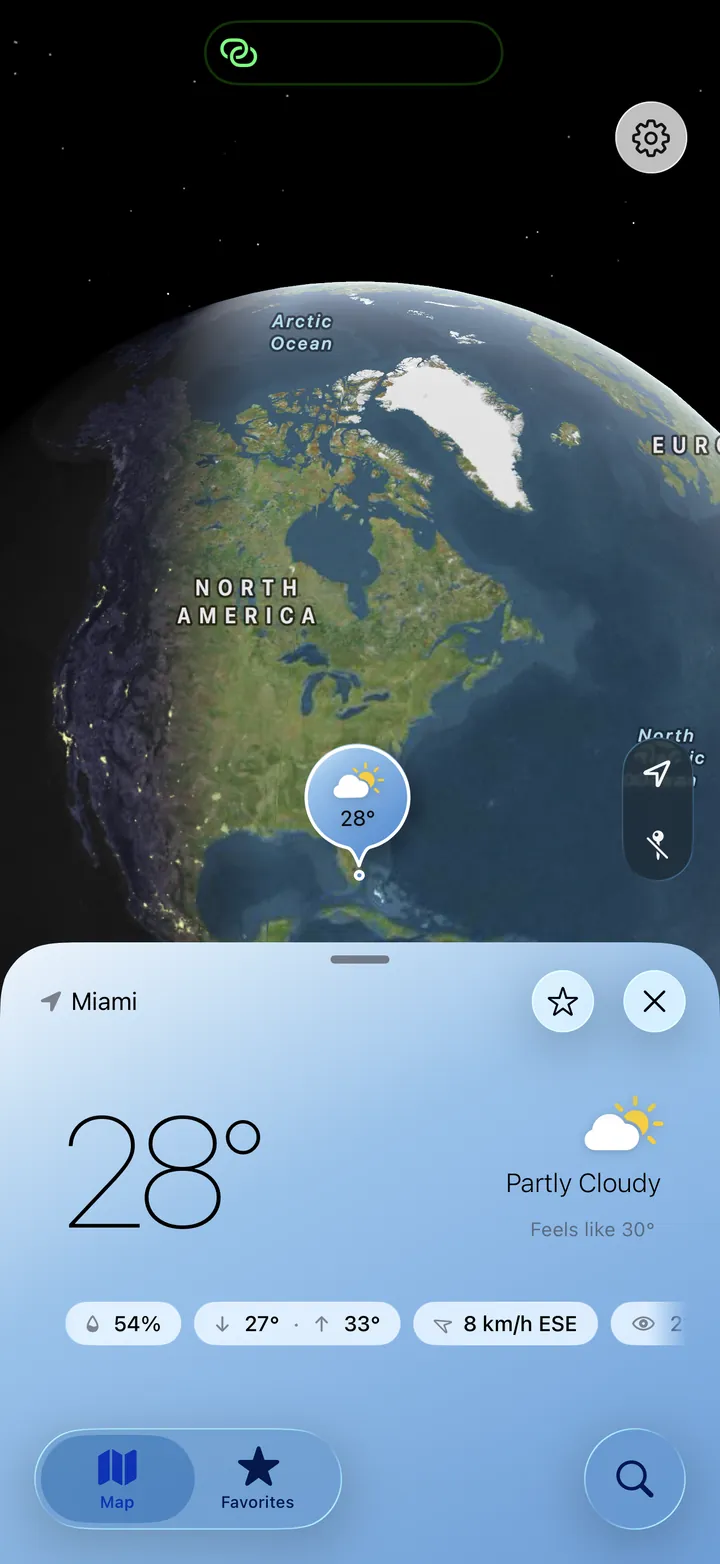
On vacation and unfamiliar with the area? Planning a hike, a surf session or a night under the stars? Skip the city search.
Spin the 3D map to anywhere – a beach, a trail, a mountain hut. Optionally center it on your location.
Long-press the spot you care about. A marker drops and the forecast for that exact coordinate loads instantly.
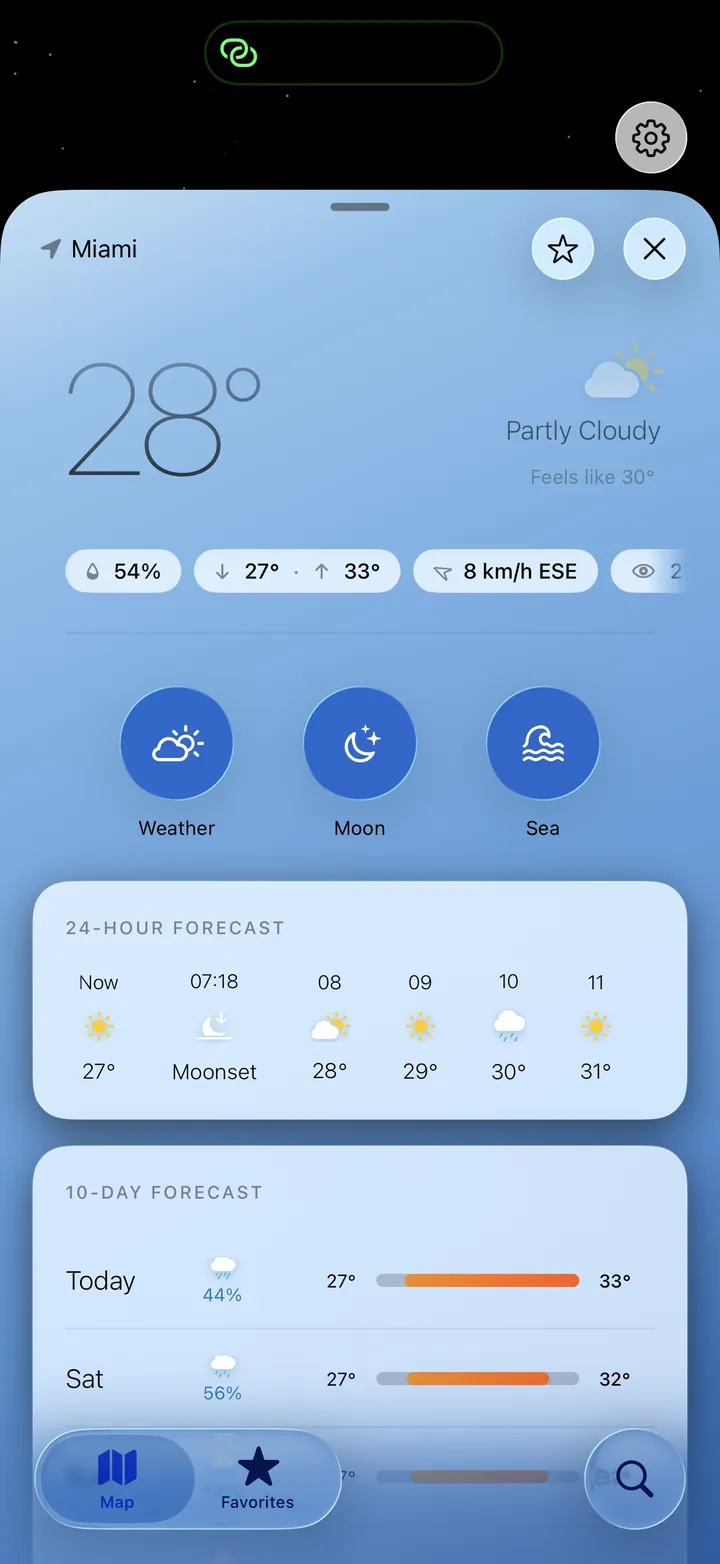
Pull up the sheet for hourly and 10-day forecasts, then switch to the Sea and Moon tabs – all for the same point.
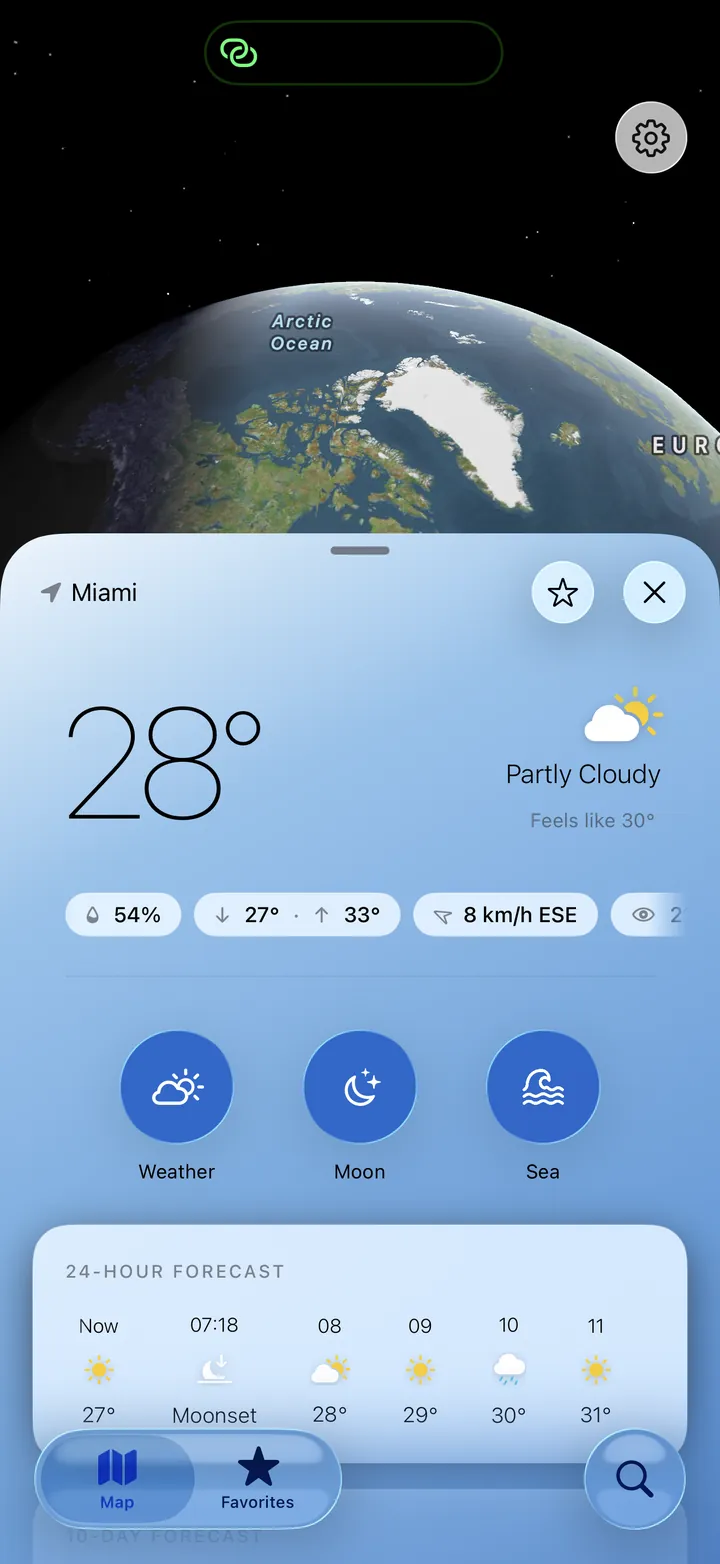
Current conditions, hour-by-hour detail and an 10-day forecast for the exact point you tapped – from city streets to remote trails, worldwide.
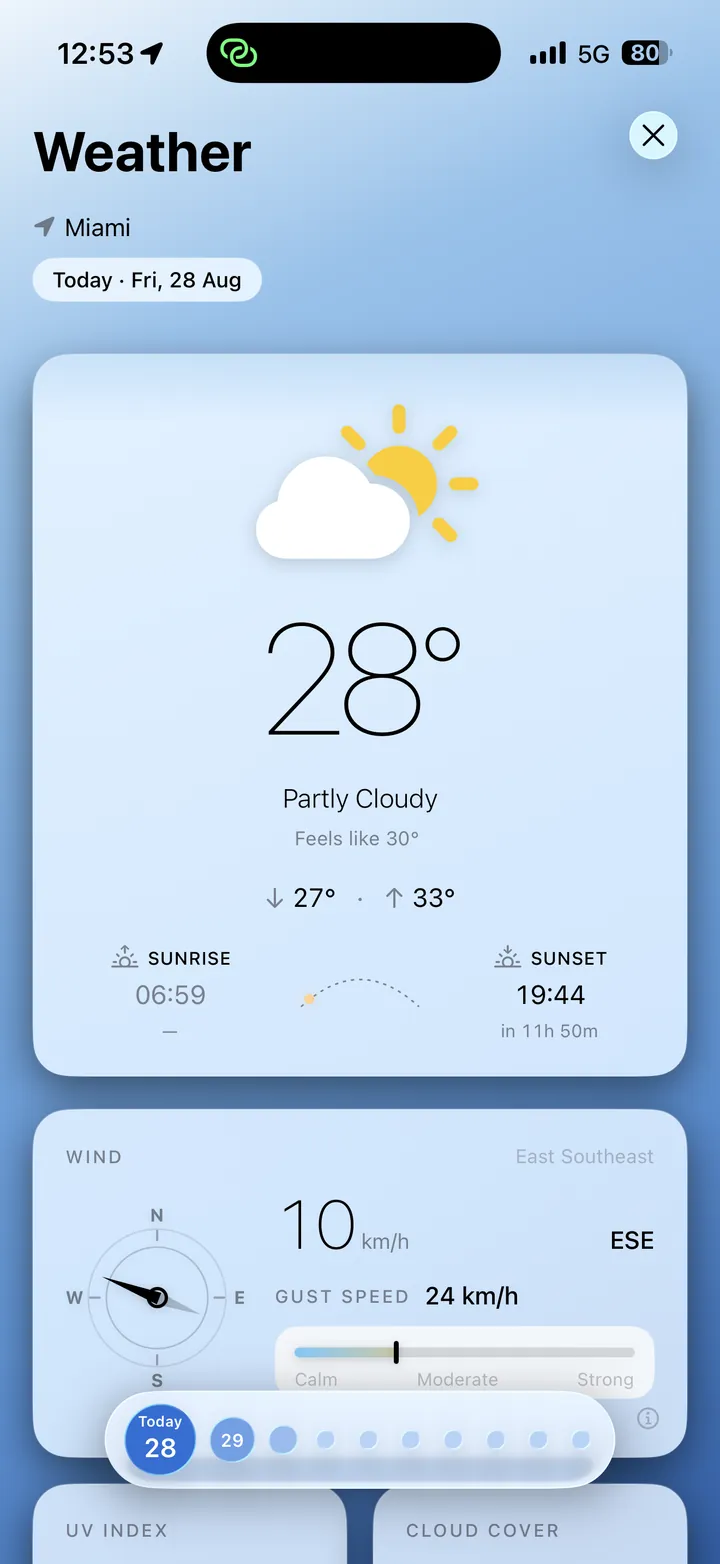
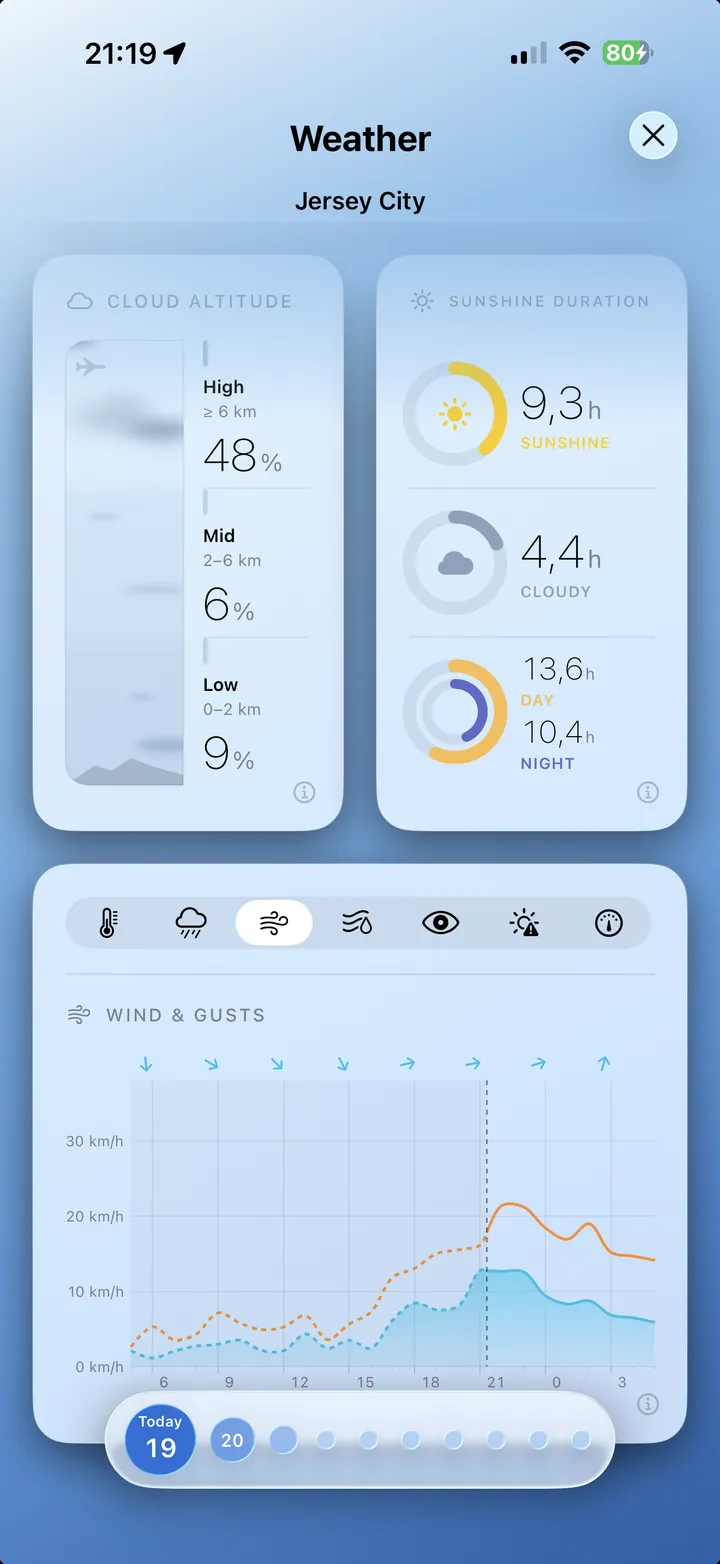
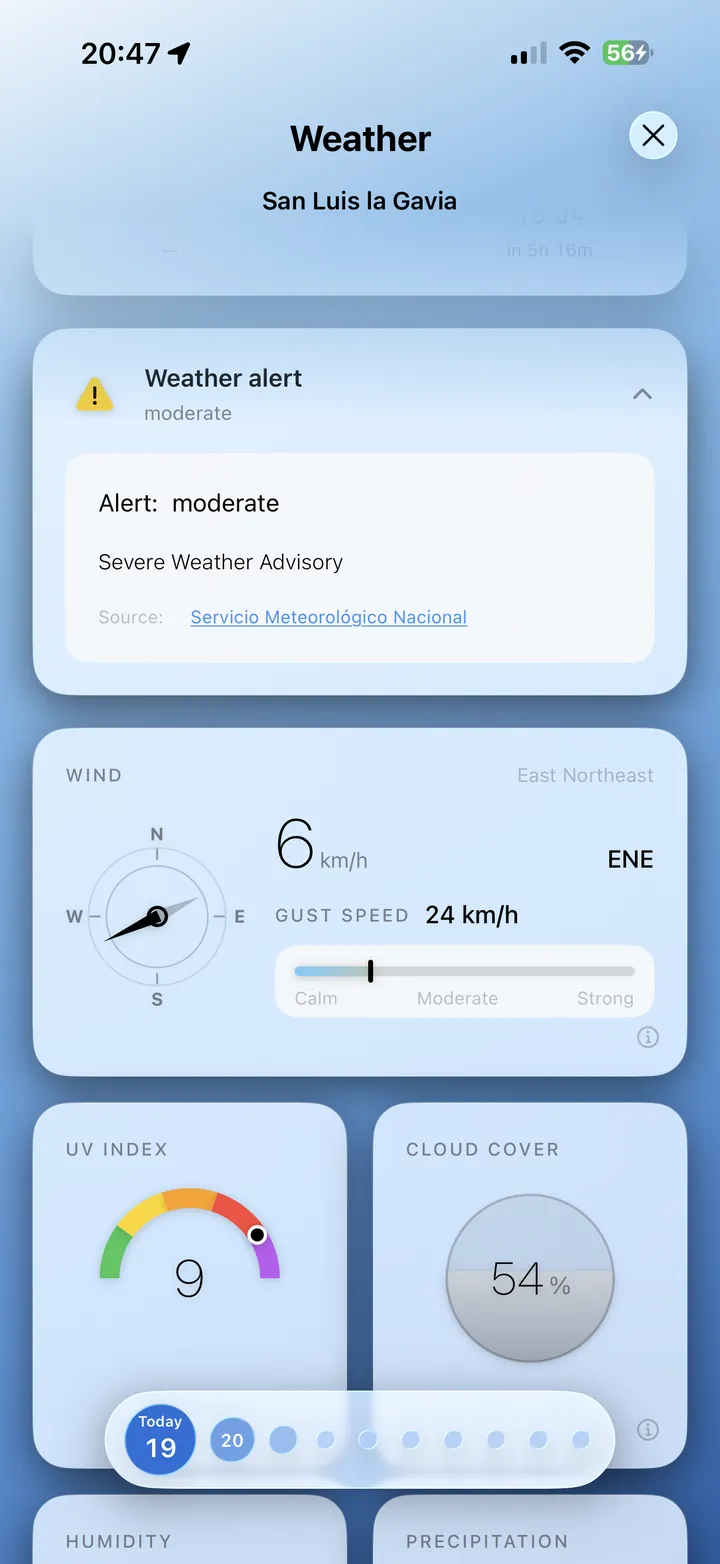
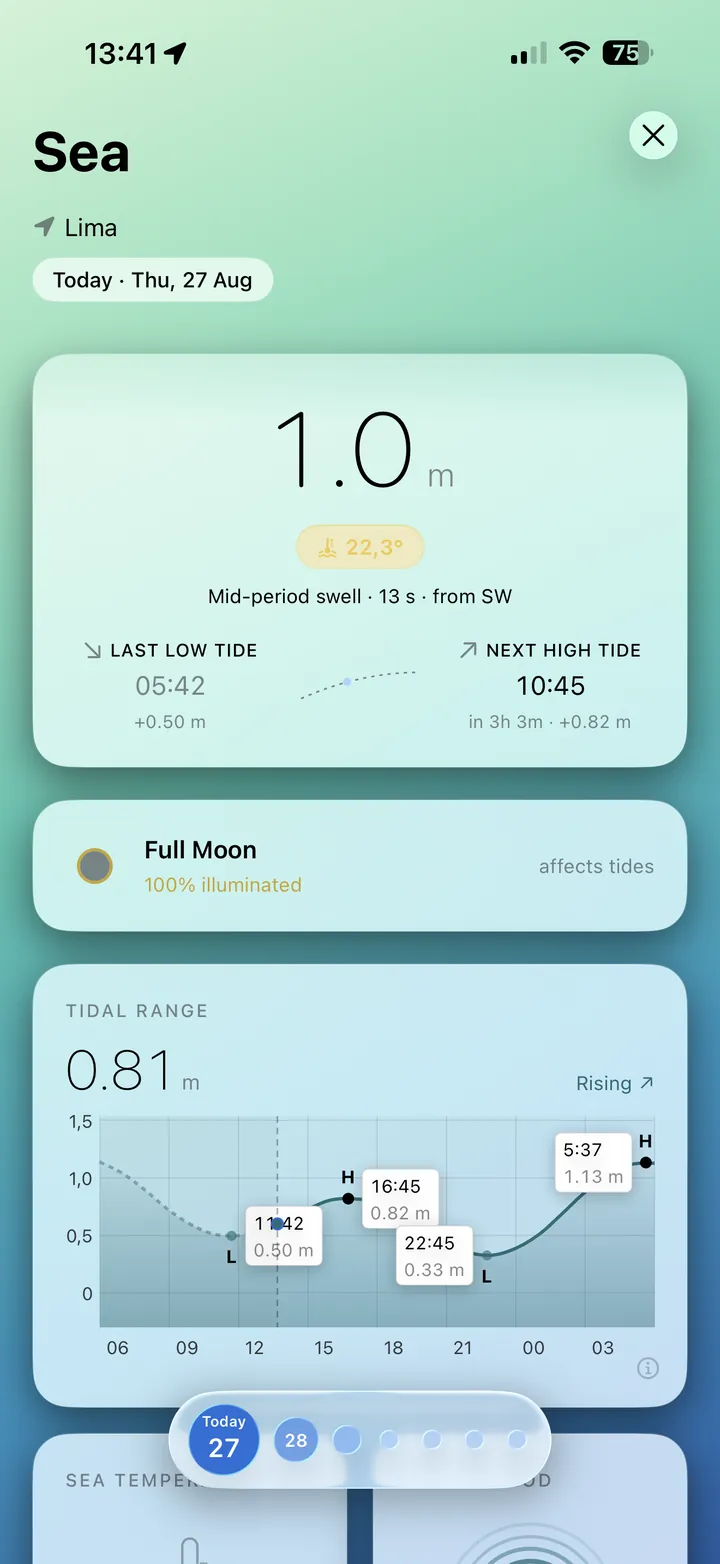
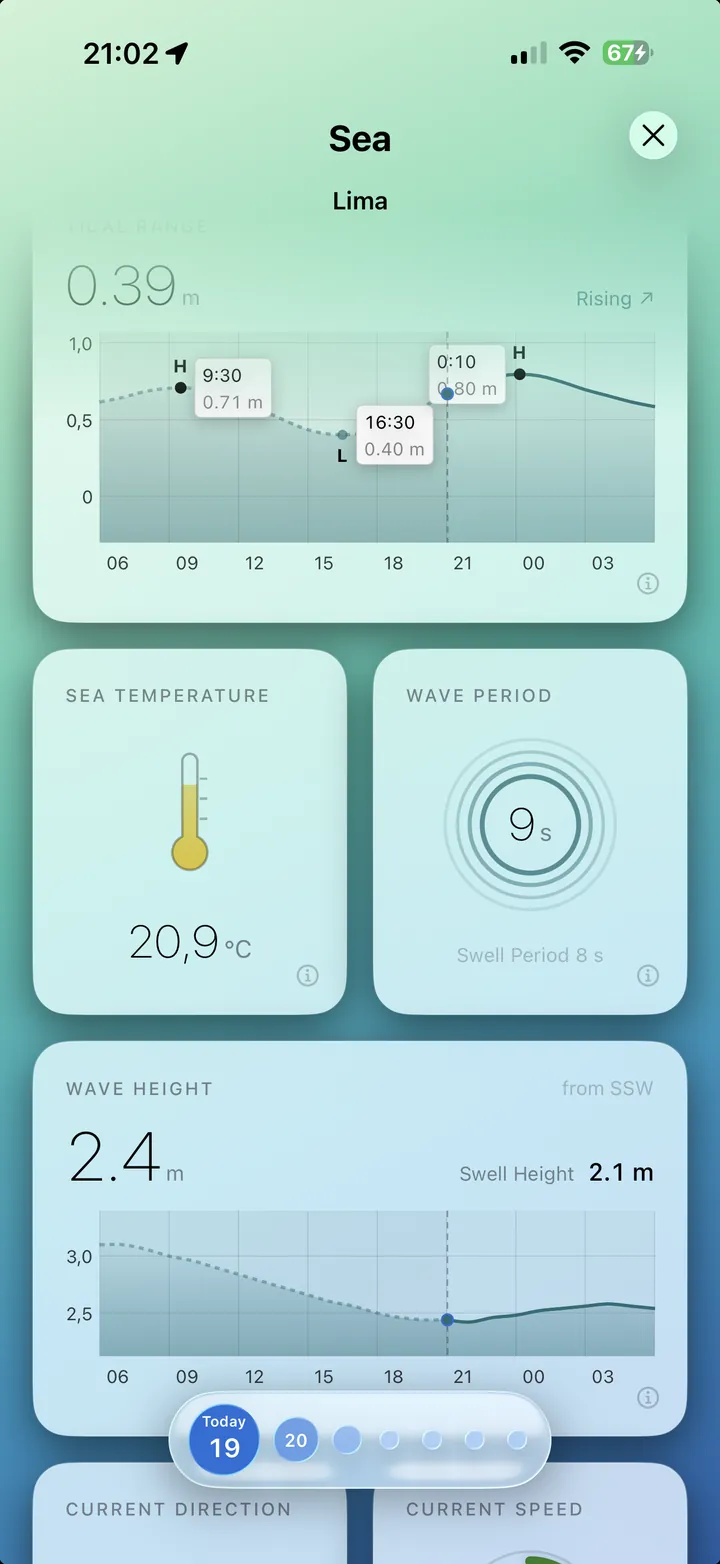
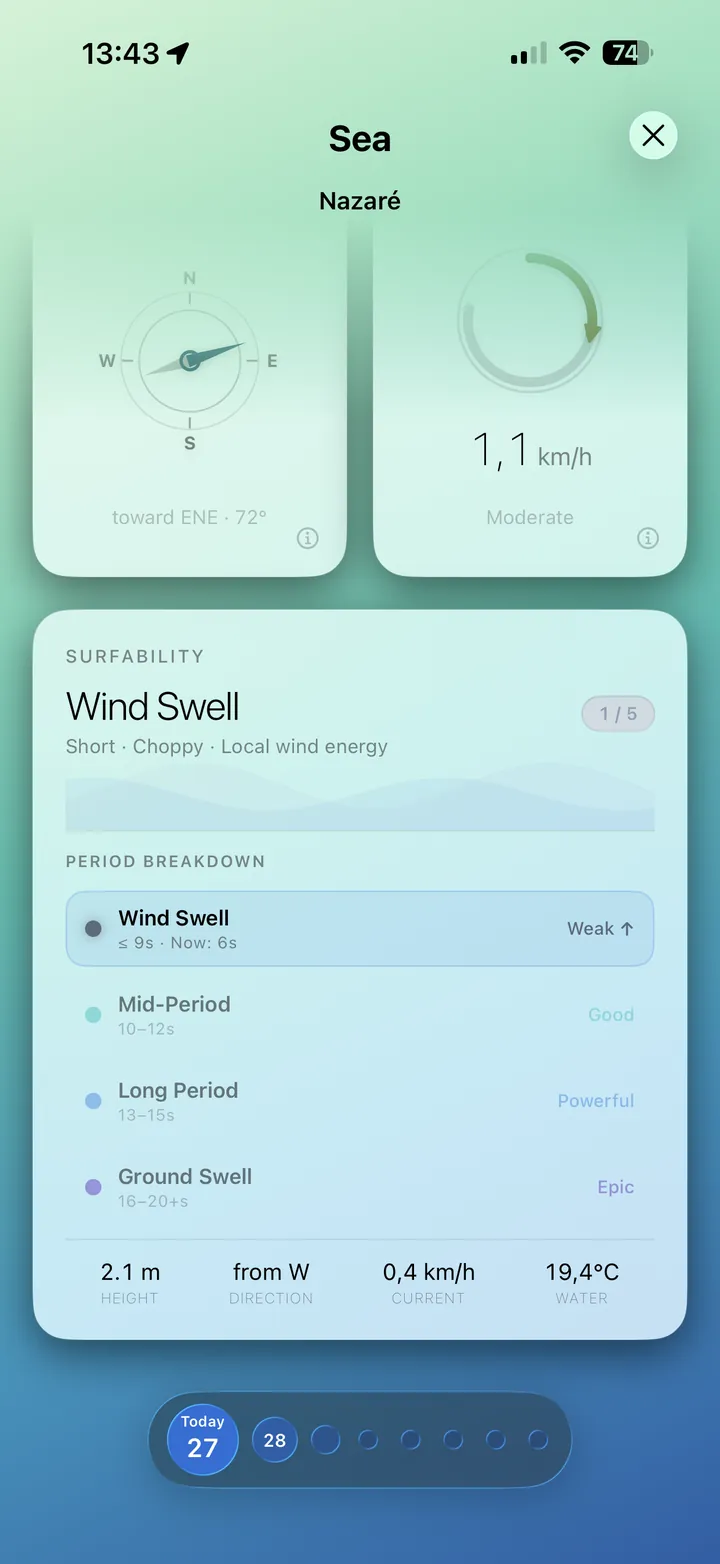
The all-new Sea tab brings the ocean to every point you tap: a live tide curve, sea conditions and one number that tells you whether it's worth paddling out.
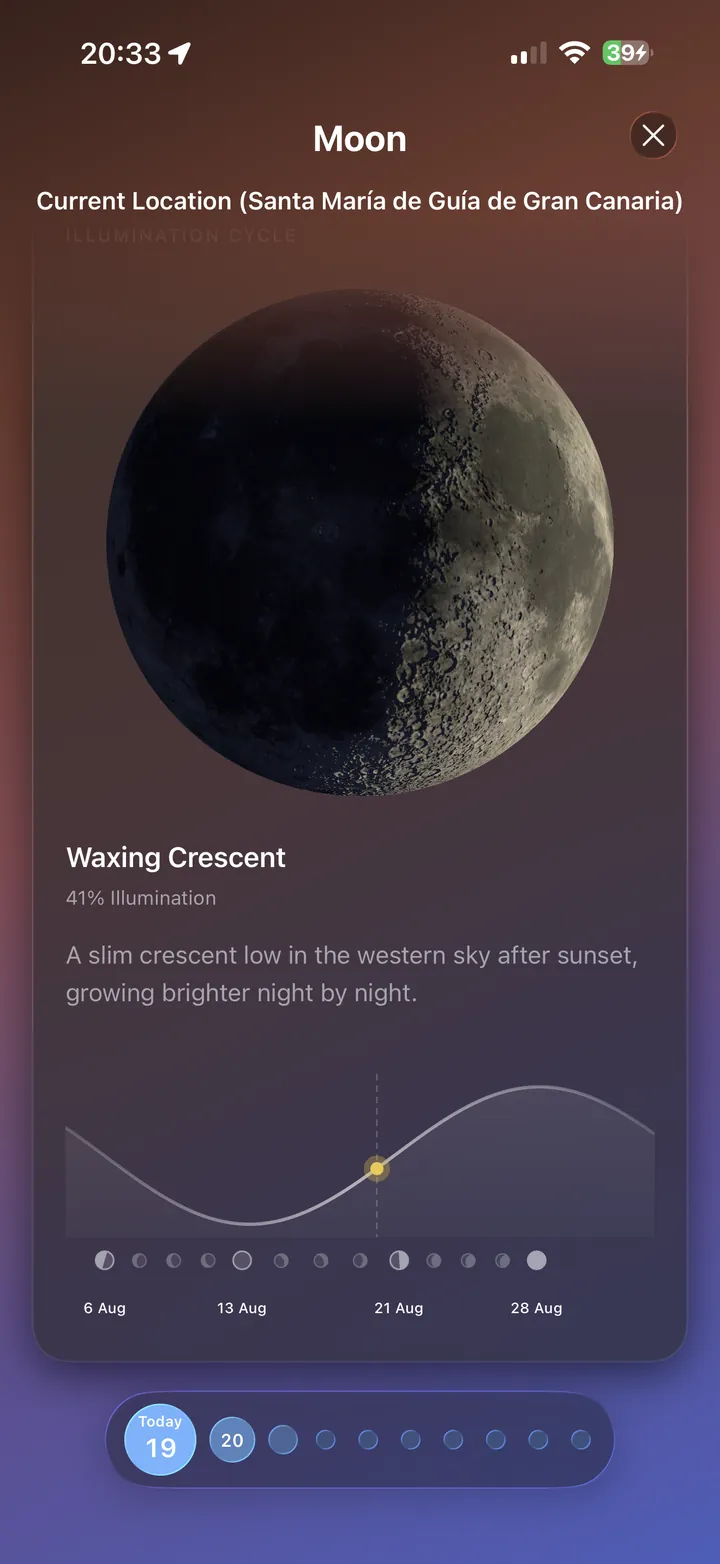
An interactive 3D moon that matches the real sky at the point you tapped – with the full lunar cycle for any day.
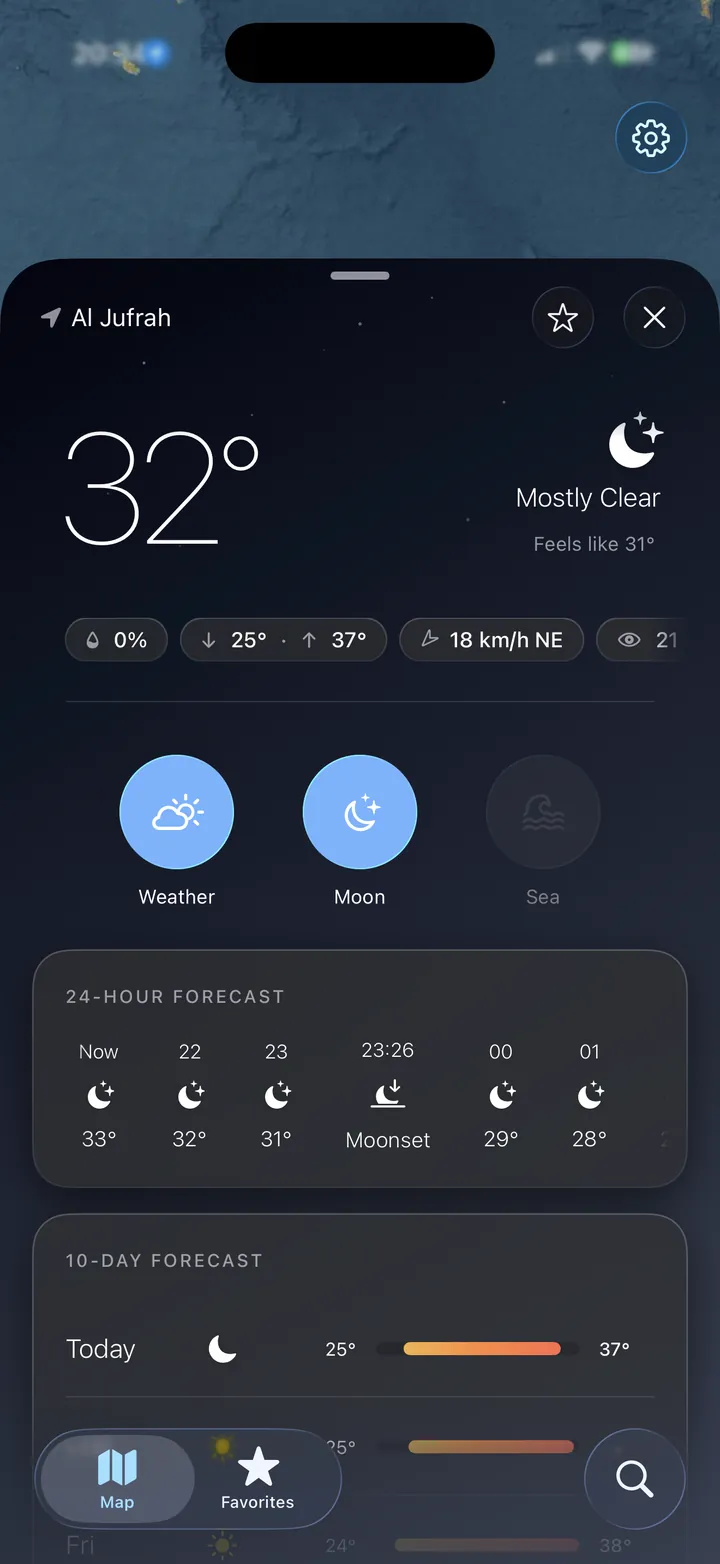
Widgets, favorites with local time and a full iPad layout – so the forecast is there before you even open the app.
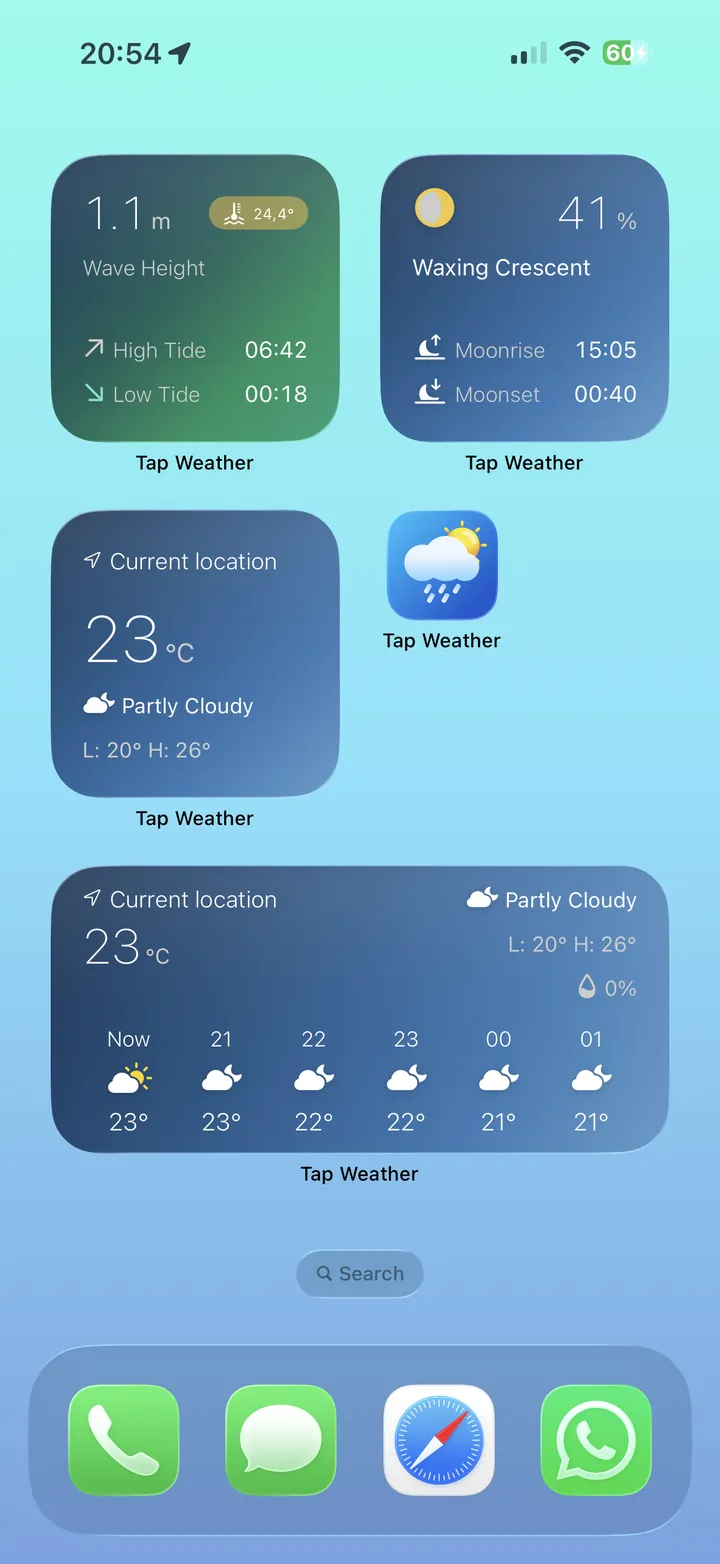
Hourly weather strip, tide curve and moon phase right on your Home Screen, in small and medium sizes.
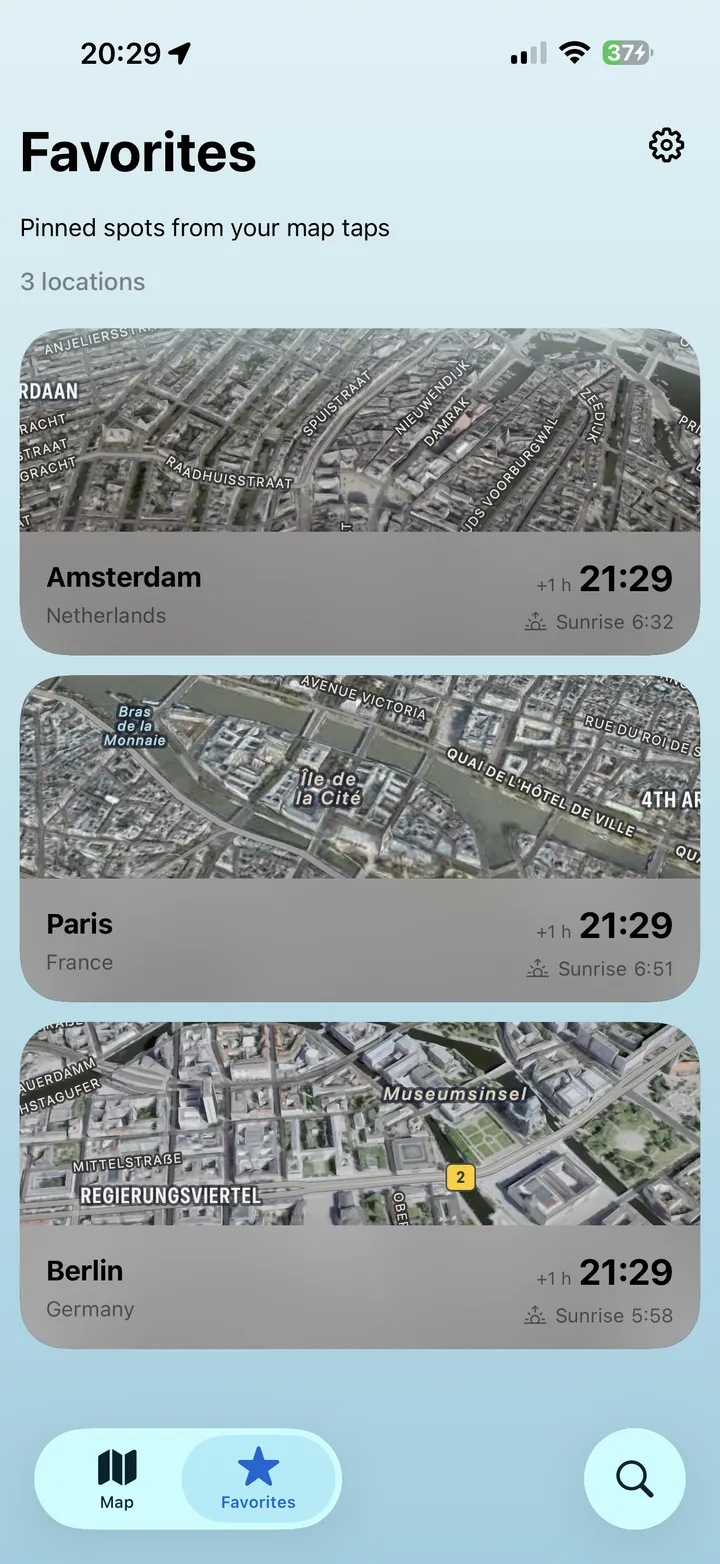
Pin the places you care about. Each one shows its own local time and sunrise, so you know what "tonight" means over there.
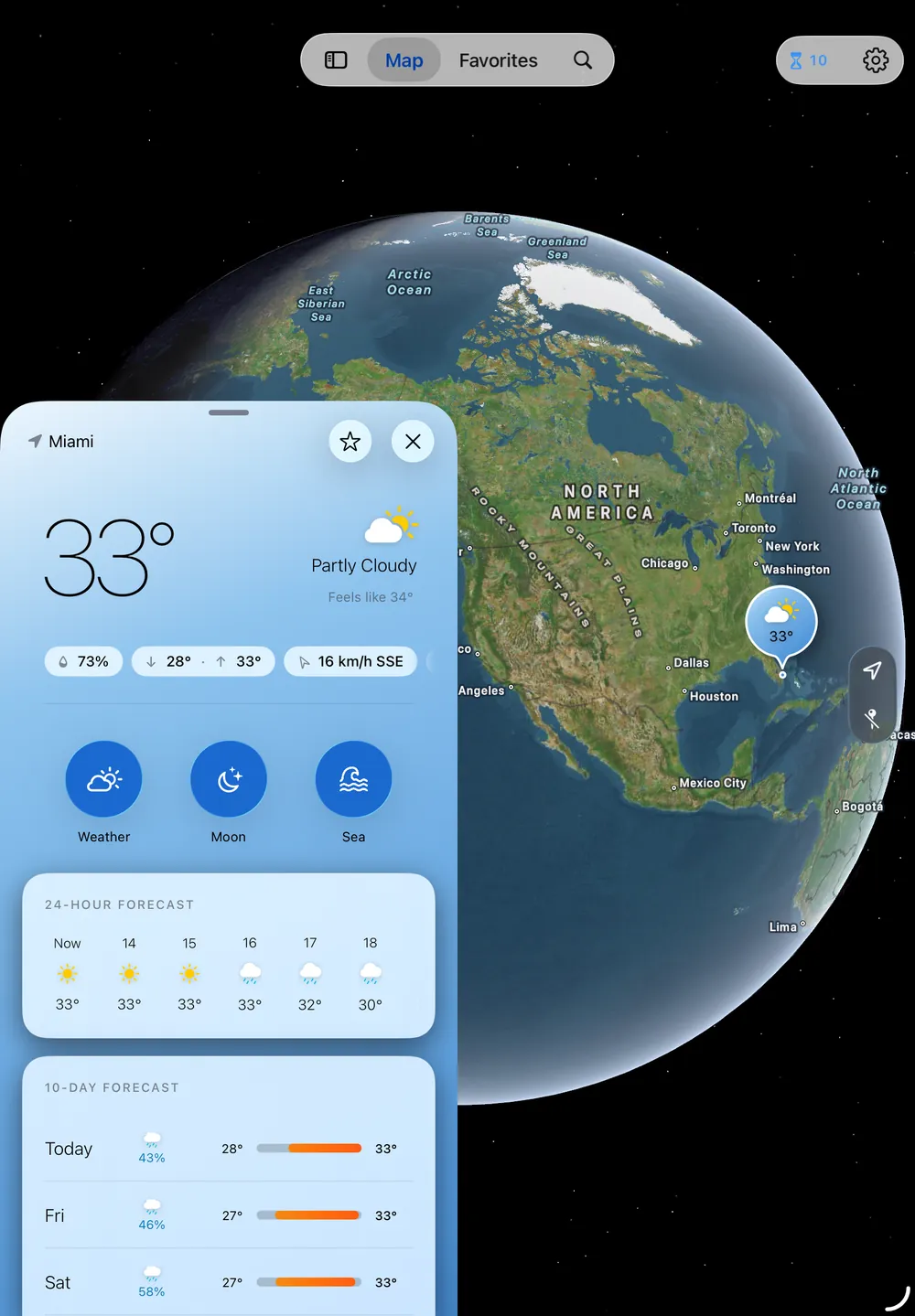
Map and forecast side by side, including landscape. The same one-time purchase covers iPhone and iPad.
No subscription, no hidden costs. The core forecast stays free forever – Pro removes the daily limit and unlocks the advanced cards.
Purchases can be restored on any of your devices via Settings → Restore purchase.
The free version gives you 20 forecast queries a day – plenty for a quick check. The counter resets at midnight.
Tap Weather combines high-quality data from established providers – transparent and listed in the app.
Official Apple weather data with high resolution and reliable severe weather alerts from national services.
Open-source weather and marine API with global coverage – ideal for remote places, tides, swell and sea temperature.
Sea-level data is converted from mean sea level to chart datum (LAT) using 45 days of local history, so heights line up with conventional tide tables.
Tap Weather is built without accounts, profiles or trackers. It is not an official weather warning service.
Full details: Privacy Policy · Terms
Short answers to the things people ask before downloading.
Yes. The core forecast is free, with 20 forecast queries per day. Tap Weather Pro is a one-time purchase – no subscription – that removes the limit and unlocks unlimited places, widgets, extended marine data and moon details.
No. Just press and hold anywhere on the map. Tap Weather loads a precise forecast for that exact coordinate – a beach, a trail, a lake or a mountain hut that no city search would find.
Tap Weather runs on iPhone and iPad with iOS 26 / iPadOS 26 or later, including full landscape support on iPad.
From Apple WeatherKit and Open-Meteo. Tides and sea conditions come from the Open-Meteo marine API and are converted to chart datum so they match conventional tide tables.
It condenses swell type, wave period, wind and water data for the tapped spot into one 1–5 rating, so you can see at a glance whether it's worth paddling out.
No. There is no account and no tracking. Your location is only used locally to center the map; only the coordinates you tap are sent to the weather providers to load a forecast.
English, German, Spanish, French, Italian, Dutch, Polish, Portuguese, Russian and Simplified Chinese – with metric and imperial units.
Download Tap Weather for free and see the sky, sea and moon – one tap away.
Download on theApp StoreFollow Tap Weather on Instagram · @tap.weather.app
Available in English · Deutsch · Español · Français · Italiano · Nederlands · Polski · Português · Русский · 简体中文